 Domain SearchSecure your perfect UAE domain in seconds.
 Domain TransferSeamless domain transfer. Zero downtime, complete control.
 All TLDsSecure your ideal domain. Explore local UAE and international extensions.
 WHOIS LOOKUPCheck domain ownership, expiry dates, and registrar details instantly.
 AE DomainRegister a .AE domain and build trust in the UAE.
 SSL CertificatesProtect your site with trusted SSL Certificates to secure data and build customer confidence.
 .com DomainGet the world’s most trusted domain and build credibility from day one.
 Web hostingFind budget-friendly hosting that doesn’t compromise on performance.
 Windows HostingHigh-performance hosting for Windows applications and websites.
 Affiliate ProgramBecome a partner and earn commission for every referral.
 WordPress HostingBlazing-Fast WordPress Hosting, Optimised for Performance.
 Email HostingSecure your communications with professional email hosting. Use your domain, stay in control.
 Reseller HostingLaunch your own hosting brand. We handle the tech, you grow your business.
 cPanel HostingHosting supported by cPanel (simple and user-friendly)
 VPS HostingVirtual servers that grow with you. Full root access. Blazing fast performance.
 Managed VPS HostingNot a tech expert? Let us handle everything with our fully managed VPS hosting.
 Dedicated ServersEnjoy full access and total control over your dedicated physical server.
 AI Website BuilderBuild beautiful websites instantly with AI.
 Online ShopCreate a professional online store. No coding needed.
 Web Design ServicesGet a custom website built for your brand and your goals.
 BlogDiscover resources on web hosting, e-commerce, digital marketing, and beyond.
 Contact UsWe are available 24/7 via chat or email
 SupportExplore guides and answers for all our services
You are on a tight budget, and you are wondering what hosting requirements you need for a simple website.
For a simple WordPress site with a low visitor count, you only need around 10GB of storage. Most budget shared hosting plans include far more than that, yet the upsells keep coming.
This guide covers the specs you need to host a simple website on a small budget.

What ‘Simple Website’ Actually Means
Not every website needs the same resources. Knowing your site type helps you avoid overpaying. There are four categories of simple websites worth knowing.
1) A brochure or portfolio site has 1 to 8 pages. It shows your work, services, or contact details. Traffic is light, usually under 2,000 monthly visitors.
2) A personal blog runs on fewer than 50 posts. It gets moderate traffic from regular readers and search engines.
3) A local business site has a homepage, services page, and a contact form. It rarely needs large server resources.
4) A hobby project website is the lightest of all. It exists for fun and almost always carries minimal traffic.
Here is how those four types compare by resource needs:
| Site Type | Monthly Visitors | Storage Needed | Monthly Bandwidth Used |
| Portfolio / Brochure | Under 2,000 | 500 MB to 2 GB | 5 to 10 GB |
| Personal Blog | Under 5,000 | 2 to 5 GB | 10 to 20 GB |
| Local Business | Under 8,000 | 3 to 10 GB | 15 to 30 GB |
| Hobby Project | Under 1,000 | Under 500 MB | Under 5 GB |
Buying more than you need does not protect your site. It simply costs you money every single month.

Hosting Requirements That Matter for a Small Site
Five specs determine whether a hosting plan actually works for you. Everything else can wait.
1) Storage
Storage holds your website files: pages, images, themes, and plugins. For a simple site, this rarely adds up to much.
A 5-page site with 30 images typically uses under 500 MB of total storage.
A blog with 50 posts and regular images might reach 1 to 3 GB over time. So 10 to 20 GB of SSD storage covers most simple sites comfortably.
SSD storage loads data faster than older HDD storage. That speed directly affects how quickly your pages appear for visitors.
Watch out for ‘unlimited storage’ claims on budget plans. These almost always carry inode limits buried in the fine print.
An inode is one file or folder on your server. Most budget plans cap inodes at 100,000 to 250,000.
A WordPress site with several plugins can hit that ceiling faster than you expect.
Here is a simple formula to estimate your actual storage need:
- Average page size in MB times your number of pages
- Plus total media asset size
- Plus roughly 500 MB for CMS overhead
2) Bandwidth
Bandwidth is not a storage tank. Think of it as a pipe. It controls how much data flows to your visitors at once.
A site with 500 monthly visitors and a 2 MB average page size uses about 3 GB of bandwidth per month. That math is: 2 MB times 500 visitors times 3 pages per session equals 3,000 MB.
Most shared plans offer 50 GB or more. So bandwidth is rarely the problem for simple sites.
Sites under 10,000 monthly visitors almost never hit shared hosting bandwidth limits.
The ‘unmetered bandwidth’ claim in hosting ads sounds impressive. In practice, it barely matters at this scale. Server response time and uptime matter far more to your visitor experience.
3) RAM and CPU
RAM and CPU are your site’s engine. RAM temporarily stores data as visitors browse your pages.
CPU processes every page request, form submission, and image load. For a simple website, 1 CPU core and 512 MB to 1 GB of RAM handle the job well.
The problem is that budget hosts rarely publish these numbers in their sales copy. You often have to ask their support team directly.
If a host refuses to share the CPU and RAM allocation, treat that as a warning sign. These two specs affect real-time performance more than storage ever will.
4) Uptime Guarantee
A 99.9% uptime guarantee sounds solid. In practice, it allows roughly 8.7 hours of downtime per year.
Compare that to a 99.5% guarantee, which allows over 43 hours of downtime annually. Here is what those numbers mean in practical terms:
| Uptime SLA | Allowed Downtime / Year | Business Risk Level |
| 99.9% | ~8.7 hours | Low |
| 99.5% | ~43.8 hours | Moderate |
| 99.0% | ~87.6 hours | High |
| 98.0% | ~175 hours | Very High |
Search engine crawlers penalize sites that go offline frequently. Repeated unavailability signals unreliability. Your organic search traffic can drop as a result.
Before committing to any host, sign up for a free account on UptimeRobot. Point it at review sites that use the same host. Real-world uptime data tells you far more than any SLA promise ever will.
5) SSL Certificate
An SSL certificate encrypts data between your site and its visitors. Without one, browsers display a ‘Not Secure’ warning on every page. That warning alone kills trust in contact forms and checkout pages.
Most budget hosts now include free SSL through Let’s Encrypt. That service renews automatically and costs you nothing extra in most cases. Always confirm the SSL renewal terms before signing up.
Hosting Types Ranked by Budget Fit for Simple Sites
Not all hosting types are built the same. For simple sites, the right choice becomes clear quickly.
1) Shared Hosting
Shared hosting places your site on a server alongside many other websites.
You share the CPU, RAM, and storage. In exchange, the monthly price stays very low, typically AED 20 to 50 AED at introductory rates.
For sites under 10,000 monthly visitors, shared hosting is not a compromise. It is the correct and rational choice.
The one real risk with shared hosting is the ‘noisy neighbor’ effect. Another site on your server can spike its resource use. That temporarily slows your site’s response time.
Good hosts throttle resource-hungry accounts to prevent this spillover. Ask the host directly whether they enforce per-account CPU limits. A confident ‘yes’ is the answer you want.
2) WordPress Hosting
Most WordPress hosting plans are shared plans running a WordPress-optimized stack. That stack usually includes LiteSpeed caching, automatic updates, and sometimes a staging environment.
For WordPress users, this small premium is often worth paying. Budget WordPress hosting should run between AED 20 and AED 50 per month for a simple site.
Three features actually justify paying a little extra for managed WordPress hosting:
- Automatic WordPress core and plugin updates
- Daily automated backups
- Built-in malware scanning
These three things save hours of manual maintenance every month.
3) Free Hosting Options
Free hosting exists, and some of it is legitimate. Netlify and Vercel both offer free tiers for static or pre-rendered sites. You need a GitHub repository and some technical knowledge to use them.
These options work well for hobby sites, learning projects, and proof-of-concept builds. They are not a good fit for any business that needs its site to generate leads or sales.
Free plans typically come without guaranteed backups, without dedicated support, and with subdomain-only URLs.
Your site address becomes something like yoursite.vercel.com rather than yoursite.com.
For any serious purpose, a paid plan at AED 15 to AED 25 per month is a very worthwhile spend.
The Renewal Price Trap
Most hosting guides mention this in passing. It deserves a full section. The hosting industry runs heavily on introductory pricing.
A plan advertised at AED 5 per month often renews at AED 10, or even AED 15 per month after the first term ends. That gap can quietly triple your annual hosting cost without you noticing.
Always verify the renewal rate on the pricing page before entering your card details. Look for it in the plan footnotes or the checkout summary.
Features You Can Skip on a Budget
Budget hosts love adding extra charges to your plan. Here are some common upsells that a simple site rarely needs.
A premium CDN add-on distributes your content across global servers. Cloudflare’s free plan does the same job at zero cost per month. There is no reason to pay your host an extra AED 20 to AED 50 for a CDN.
Advanced email spam filtering is often bundled as an AED 10 to AED 25 monthly upsell. Your email client’s built-in filter or Google Workspace’s free spam protection handles this already.
SiteLock and similar security add-ons charge AED 15 to AED 30 per month for malware scanning. The free version of the Wordfence plugin handles this for WordPress sites at no cost whatsoever.
Priority support tiers promise faster response times. For a simple website that rarely faces urgent technical emergencies, standard support is almost always enough.
Run any upsells through these three quick questions before spending money:
- Will my site break without this? If yes, consider it. If no, skip it.
- Does a free tool already do this job? If yes, skip it.
- Is this a permanent need or just a first-year fear? Fear alone is not a reason to buy.
When to Upgrade from Budget Hosting
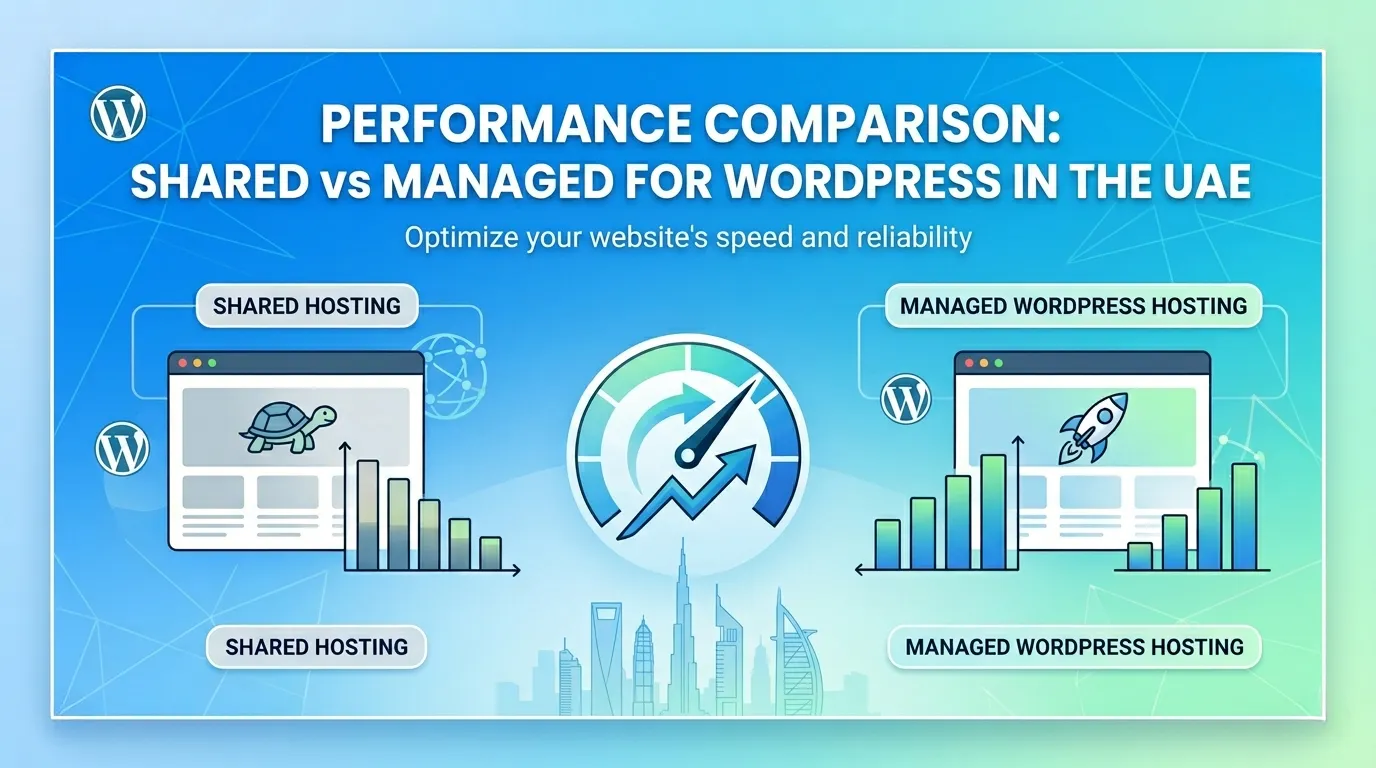
Shared hosting has served most simple sites well for years. But four concrete signals tell you it is time to move up:
A) Your monthly traffic consistently exceeds 8,000 to 10,000 visitors. At that volume, shared resources start showing strain during peak hours.
B) Your GTmetrix or Google PageSpeed report shows a time to first byte above 600 milliseconds. That points to server-side slowness, not just image or code optimization issues.
C) Your site logs more than 30 minutes of total downtime in a single month. That is above the acceptable threshold for any business-facing website.
D) Your WordPress admin panel takes more than 5 seconds to load consistently. That is a resource allocation problem, not a theme or plugin issue.
When any two of these four triggers happen together, it is time to move to a VPS plan. Most hosts have streamlined migration processes for moving to a VPS plan from a shared plan.
Conclusion
Gone are the days when hosting a website required substantial amounts of cash.
With shared hosting, you can host a small website on a budget and still have it operate without any issues.
Of course, as your traffic grows, you will need to consider upgrading to get more resources allocated to your website.
Truehost has great web hosting plans that are affordable and come with unbeatable features such as SSD storage and unlimited bandwidth.